Develop
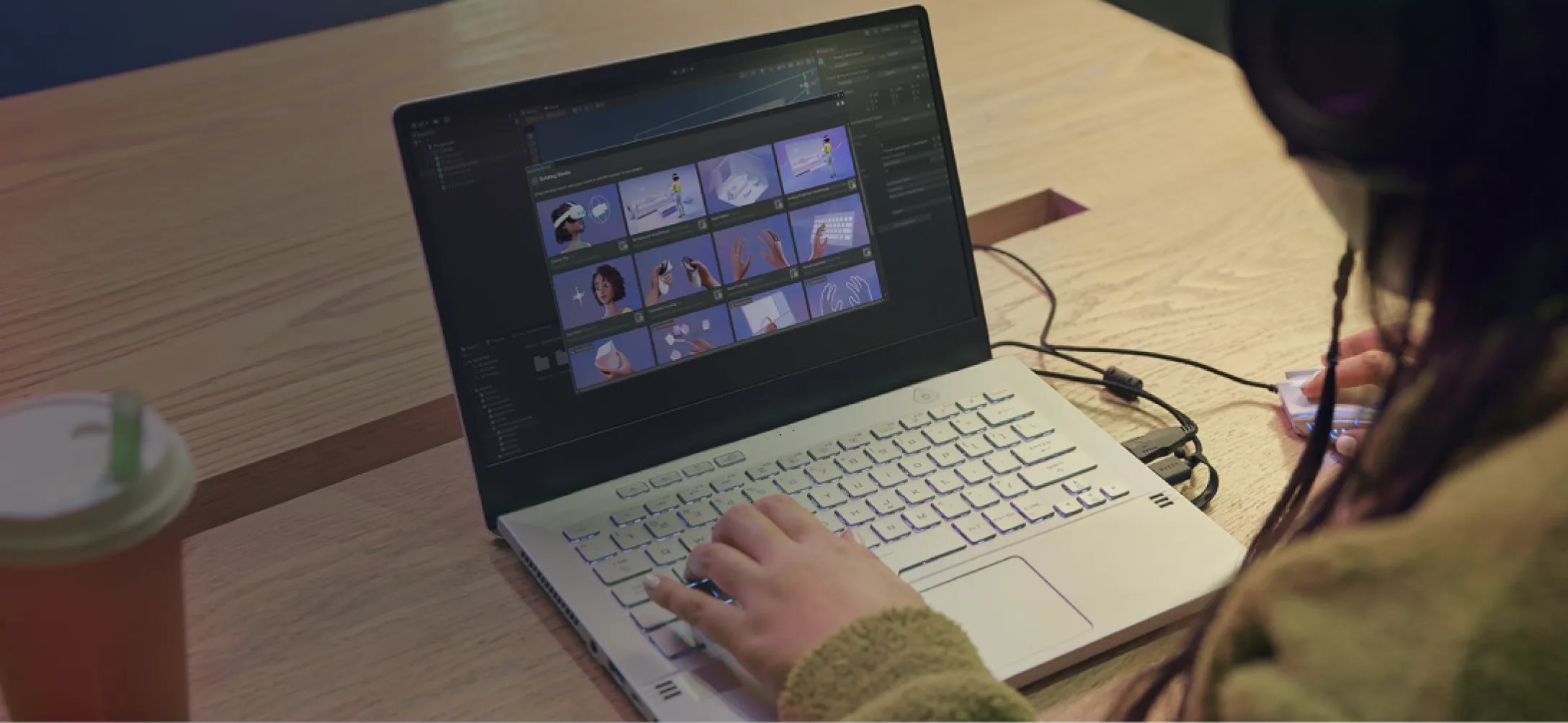
Building with Unity
Choose your first project
Start building interactive and immersive experiences for Meta Horizon OS with Unity
Support Meta VR Glasses
Adapt your Unity app for eyes and hands input and test it with Meta XR Simulator.
Go controller-free with hand tracking
Build a hand tracked UI with buttons, sliders, and toggles.
Test without a physical VR device
Run and debug your VR app on desktop with XR Simulator.
Build your experience on the Meta Horizon Store
Build, plan, and launch confidently on the Meta Horizon Store by leveraging Meta’s tools, best practices, and community resources.
Explore features
Add hand tracking, passthrough, spatial audio, and more to your Unity project with the Meta XR SDK
Building Blocks
Add Meta XR features to your project with drag-and-drop components directly in the Unity Editor. No manual setup required.
Interaction SDK
Add hand tracking, controller input, and gaze interaction to your app with ready-made components and prefabs.
Movement SDK
Bring body, face, and eye tracking into your app to drive avatars, animate characters, and respond to where users look.
Voice SDK
Add voice commands and speech recognition so users can interact with your app hands-free.
Audio SDK
Add spatial and 3D audio that responds to the user's position and environment for realistic soundscapes.
Mixed Reality Utility Kit
Use room scanning data from Scene API to place virtual content on real surfaces, spawn objects on floors, and decorate walls.
Accelerate development with these tools
Use our developer tools to develop, test, and debug your apps easily
Link
Decrease your iteration time by launching the app you develop in Unity directly from the Editor to your device.
Building Blocks
This tool speeds up development with a library of current features that you can install quickly.
Meta XR Simulator
This tool makes it easy to simulate a VR or MR experience for hassle-free development and testing.
Meta Quest Developer Hub
Streamline your MR development workflow with this desktop companion app, featuring device management, performance analysis, and more.
AI tools
Accelerate your Unity development for Meta VR with AI-assisted tools that help you write code, debug issues on-device, and navigate SDK documentation.
Drive discovery and repeat play
Reach new players through your users' friends, and keep them coming back with competition and rewards
Presence
Show friends what users are doing and let them join with one tap. Drive organic discovery as players pull friends into live sessions.
Leaderboards
Fuel competition with friend and global rankings. Give players a reason to return and beat their best — across daily, weekly, and all-time boards.
Achievements
Reward milestones that guide players to explore more of your app. Track progress, unlock goals, and keep completionists coming back.
Showcases and samples
See all
Explore our wide range of features through fully functional sample apps.
Spirit Sling
Spirit Sling is a social mixed reality (MR) app created to show developers how to build exciting tabletop games that give users a reason to be together in MR.

Phanto
Phanto is a Unity reference app, showcasing the latest Presence Platform features, highlighting scene mesh, Scene Model, and Scene API objects.

Cryptic Cabinet
Demonstrates the possibilities of MR using the Meta SDK packages for Unity.

Support and legal
Support and legal
Support and legal
English (US)
© 2026 Meta