What you build can reach people
Learn how people find new experiences on AI glasses and in Meta AI app, and how your experiences can be featured across two new surfaces.
Showcase your experiences across Meta
Bring your apps to AI glasses and in the Meta AI app with the Device Access Toolkit and web apps, and reach more people.
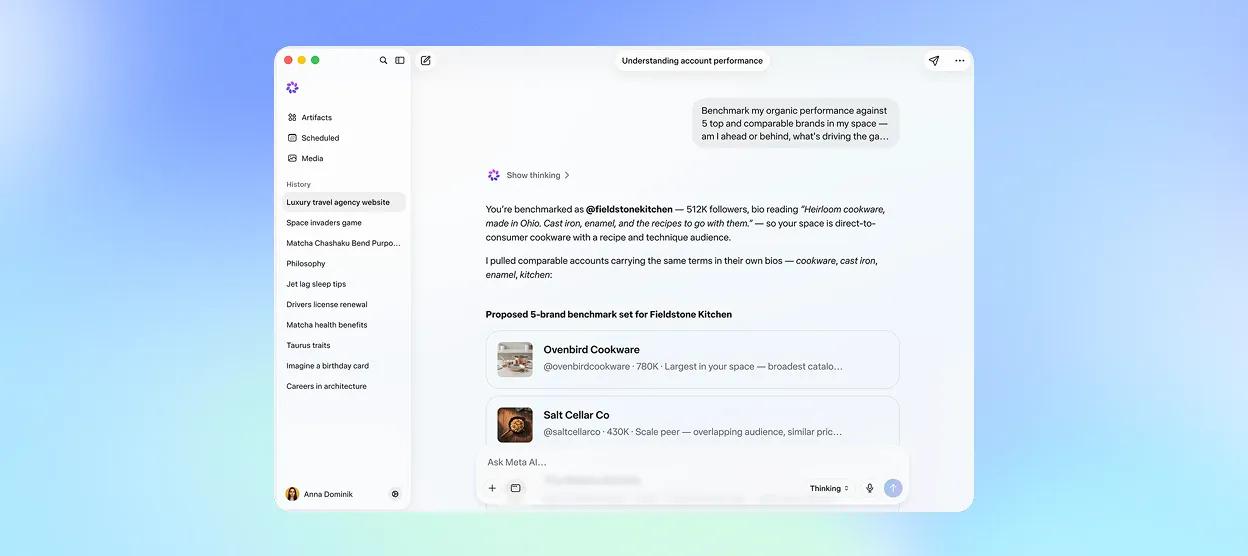
Meta AI app
Browse the full catalog of AI Glasses experiences. Add experiences to your AI glasses and manage them anytime.

Explore app on Meta Ray-Ban Display
Open the Explore app on Meta Ray-Ban Display glasses to browse a curated set of web apps. Add any one of them with a single tap.

How Explore works
In the Meta AI app, people browse and manage Device Access Toolkit and web apps experiences. On Meta Ray-Ban Display, the Explore app surfaces web apps to add in one tap.
Want to be featured?
We’re currently starting with a curated showcase to highlight the best of what’s possible on AI glasses. Keep building – we’ll share how to submit your experience soon.
Start building
You don’t need to wait. Build and test experiences for AI glasses now in Developer Mode, using the Device Access Toolkit or web app frameworks.
