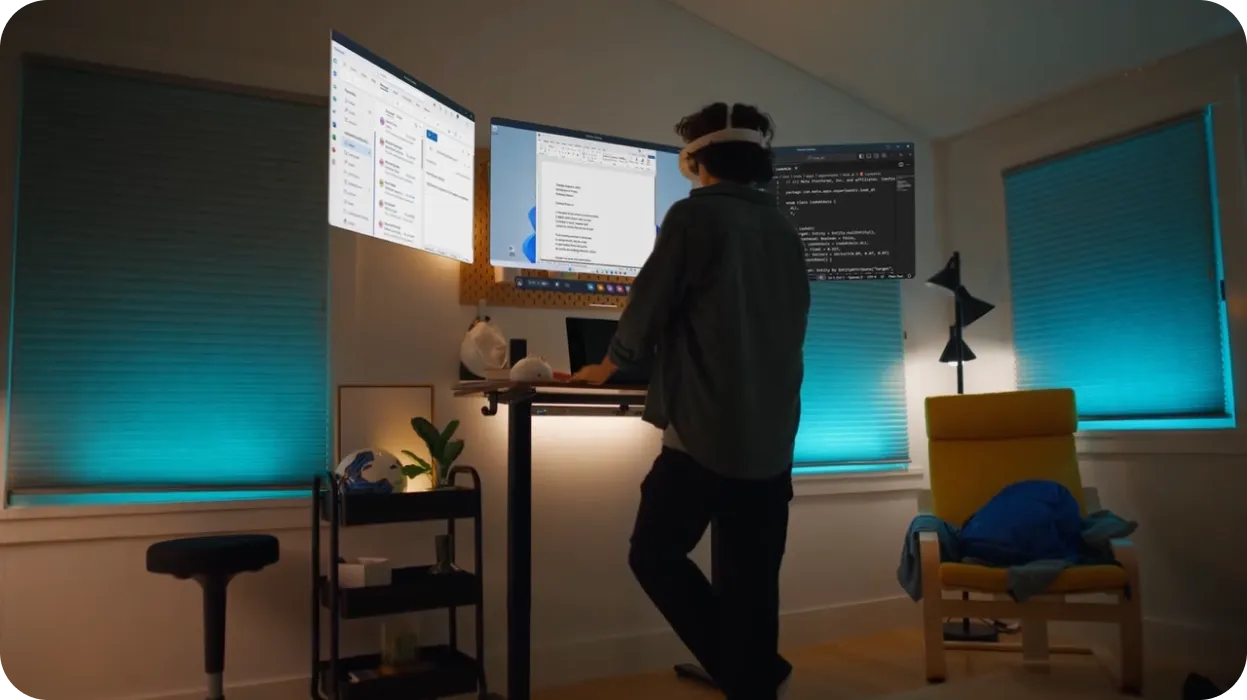
Discover new possibilities with Meta Horizon OS

Any Android mobile or web developer can ship experiences to Meta Horizon OS using familiar skills, languages, and frameworks. Bring your app as-is or reimagine classic 2D apps as immersive, spatialized experiences with Meta Spatial SDK or WebXR.

Choose a path to enhance 2D experiences
Meta spatial sdk graphic

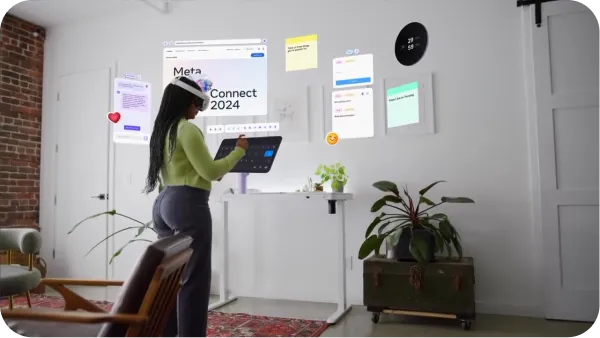
Meta Spatial SDK

Take your existing mobile app and add native spatial features like immersive media, 3D environments, and rich interactive panels. Layer on mixed reality, add custom shaders and enhance realism. With Meta Spatial SDK, you can achieve all of this and more using your favorite Android-based languages, tools, and libraries.

Android Apps

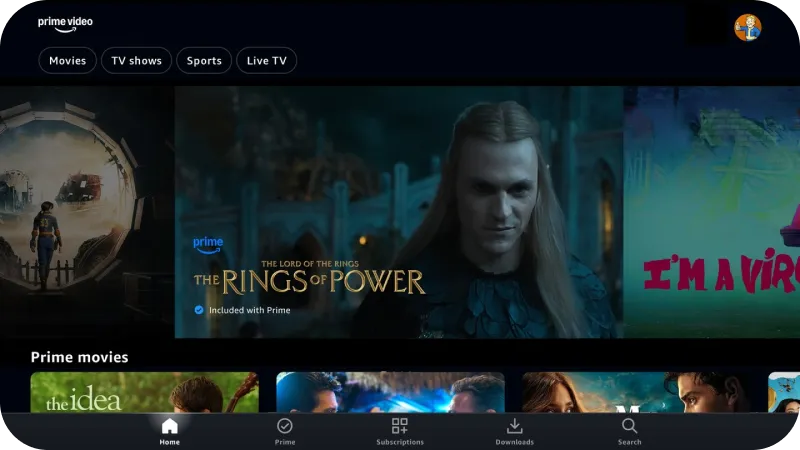
Make your existing Android app compatible and differentiate it using unique Meta Horizon OS features to give your users an innovative spatial experience.

Web

The Meta Quest 2D web browser provides broad support for modern web APIs, giving you a blank canvas to unlock your creativity and build traditional 2D websites or Progressive Web Apps (PWAs) for Meta Quest devices.

WebXR

Unlock immersive web experiences with WebXR, built using open web standards. Add 3D environments, and interactive elements to your web applications. With WebXR, you can create stunning mixed reality experiences using familiar web technologies like HTML, CSS, and JavaScript.

Progressive Web Apps (PWAs)

Package your web experiences into apps that are optimized for Meta Quest devices and available to download from the Meta Horizon Store. PWAs on Meta Horizon OS also enable you to leverage in-app purchase capabilities via the Digital Goods API. With PWAs, you can build web-based experiences that launch directly into immersive VR and mixed reality environments.

Start building 2D apps for Meta Horizon OS

Explore steps to get started with Meta Spatial SDK, WebXR, and porting existing Android apps.

Take your first steps with Meta Spatial SDK

Using a familiar, native Android framework, you can transform existing 2D apps for mixed reality or build from the ground up with unique spatial capabilities that reimagine how audiences engage, play, and socialize. Watch curated tutorials designed to kickstart your journey with Meta Spatial SDK

Scene graphic
Your First Meta Spatial SDK App
Learn the basics of using Meta Spatial SDK to create a new immersive app experience. This tutorial will show you how to add 3D objects, modify scenes, and deploy your app to your Meta Quest device.
Scene graphic
Integrate Meta Spatial SDK into an Existing Android App
This step-by-step guide shows you how to integrate Meta Spatial SDK into your existing Android app. Learn how to create immersive scenes, add panels, and deploy your enhanced app to your Meta Quest device.
Scene graphic
Meta Spatial SDK Custom Components
Start creating and using custom components with Meta Spatial SDK. This tutorial walks you through key steps to import assets, add interactivity, create immersive environments, and preview your experiences in VR.

Begin your WebXR journey

Find steps and tools to accelerate developing immersive experiences for the web.

Scene graphic
Get familiar with the WebXR workflow
Gain clarity on the web development process for Meta Horizon OS, including steps and links on building, debugging, optimizing, and publishing WebXR experiences.
Scene graphic
Create your first WebXR experience
Follow along with a two hour tutorial designed to help you build a fully functional WebXR game using Three.js. Expand your skillset as you learn how to create simple objects, implement VR controller interactions, animate objects, and much more.
Scene graphic
Explore tools and best practices
Before you dive in, build a solid foundation with WebXR by learning about performance best practices, development tools, rendering optimizations, and more.
Scene graphic
Accelerate WebXR development with Immersive Web Emulator (IWE)
Gain clarity on the web development process for Meta Horizon OS, including steps and links on building, debugging, optimizing, and publishing WebXR experiences.
Scene graphic
Build Progressive Web Apps
Package your existing web apps into experiences that users can download from the Meta Horizon Store using Bubblewrap.
Scene graphic
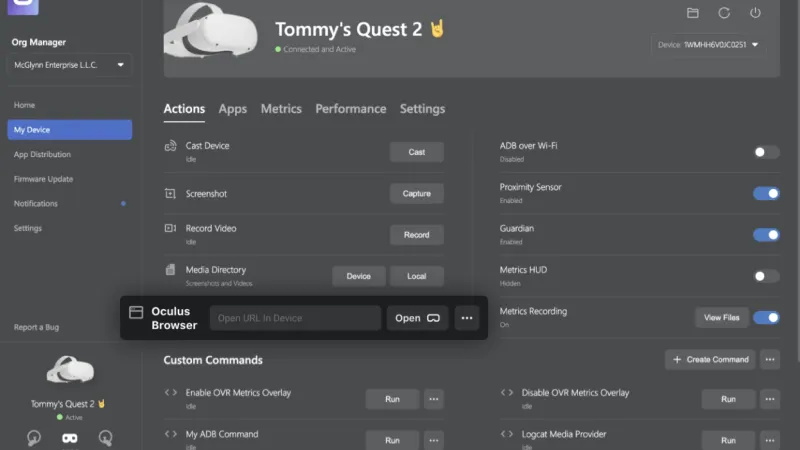
Accelerate web development with MQDH
Our essential desktop companion development tool includes a set of tools and features that can streamline 2D and WebXR browser development, including the ability to cast your Browser window to your desktop and debug without putting on or taking off your headset.

Bring existing Android apps to the Meta Horizon Store

Instantly enable your app’s users to explore your 2D experience in exciting, innovative ways.
Scene graphic
How to migrate your app
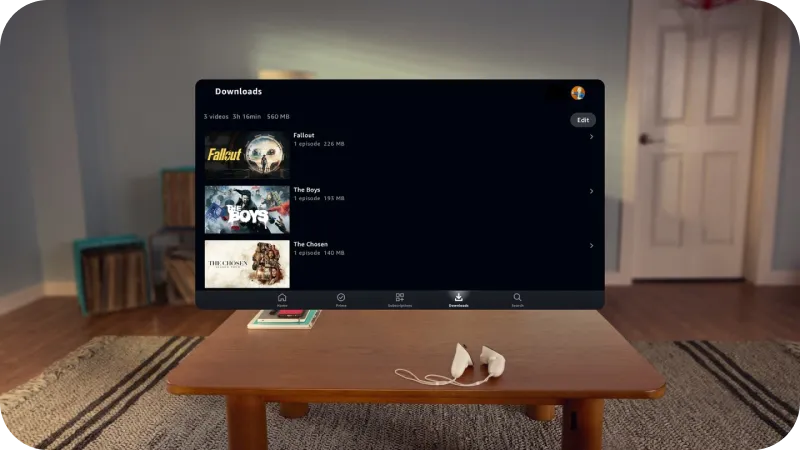
Find step-by-step instructions for migrating existing 2d apps to the Meta Horizon Store, including considerations like feature and system dependencies and debugging tools.
Scene graphic
Target Meta Quest devices
Use productFlavor to leverage the same codebase for both native mobile Android apps and 2D apps for Meta Horizon OS. Customize variants of your app for multiple platforms and allow specific activities and properties for each variant.
Scene graphic
Enable ads for 2D app
Review requirements and steps to start incorporating ads into your 2D app before publishing it to the Meta Horizon Store.
What You Can BuildExplore experiences built for Meta Horizon OS using Meta Spatial SDK, Android native, PWAs, and WebXR.
Scene graphic
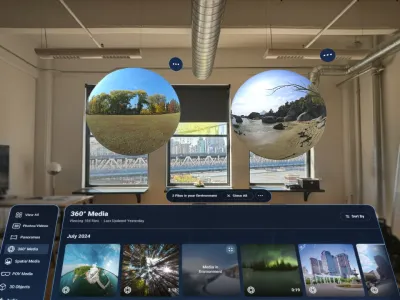
Media View
Media View is a developer reference app designed to show developers how to build spatialized media viewing experiences using the Meta Spatial SDK. It supports multi-panel viewing, immersive viewing, and the ability to view standard photos, videos 360° media, and panoramas
Scene graphic
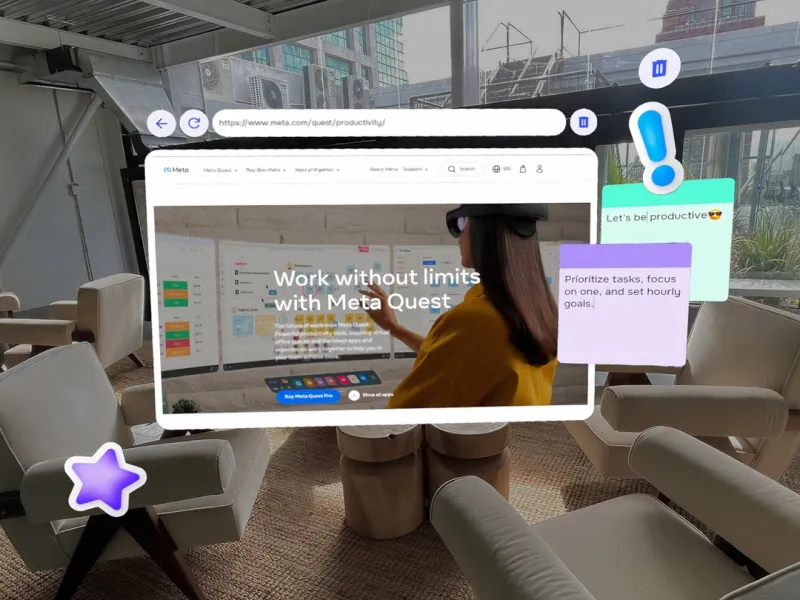
Focus
Focus is a spatial brainstorming tool designed to enhance productivity and creativity. It transforms workspaces by streamlining the brainstorming process, enabling you to build mind maps, prioritize tasks, jot down ideas, and interact with AI assistance.
Scene graphic
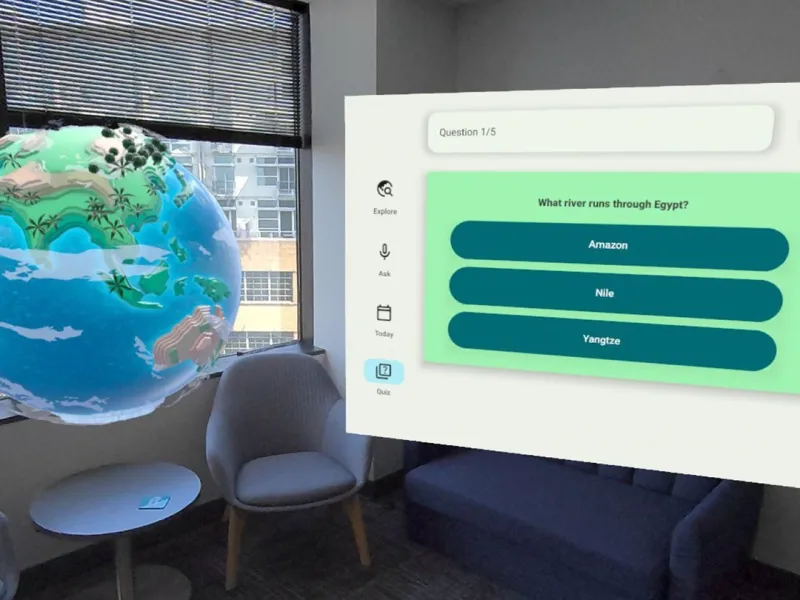
Geo Voyage
Geo Voyage brings the world to your fingertips—Immersive yourself in famous locations and landmarks, learn more about our planet using an AI companion, engage with daily challenges, and embrace your curiosity.
Scene graphic
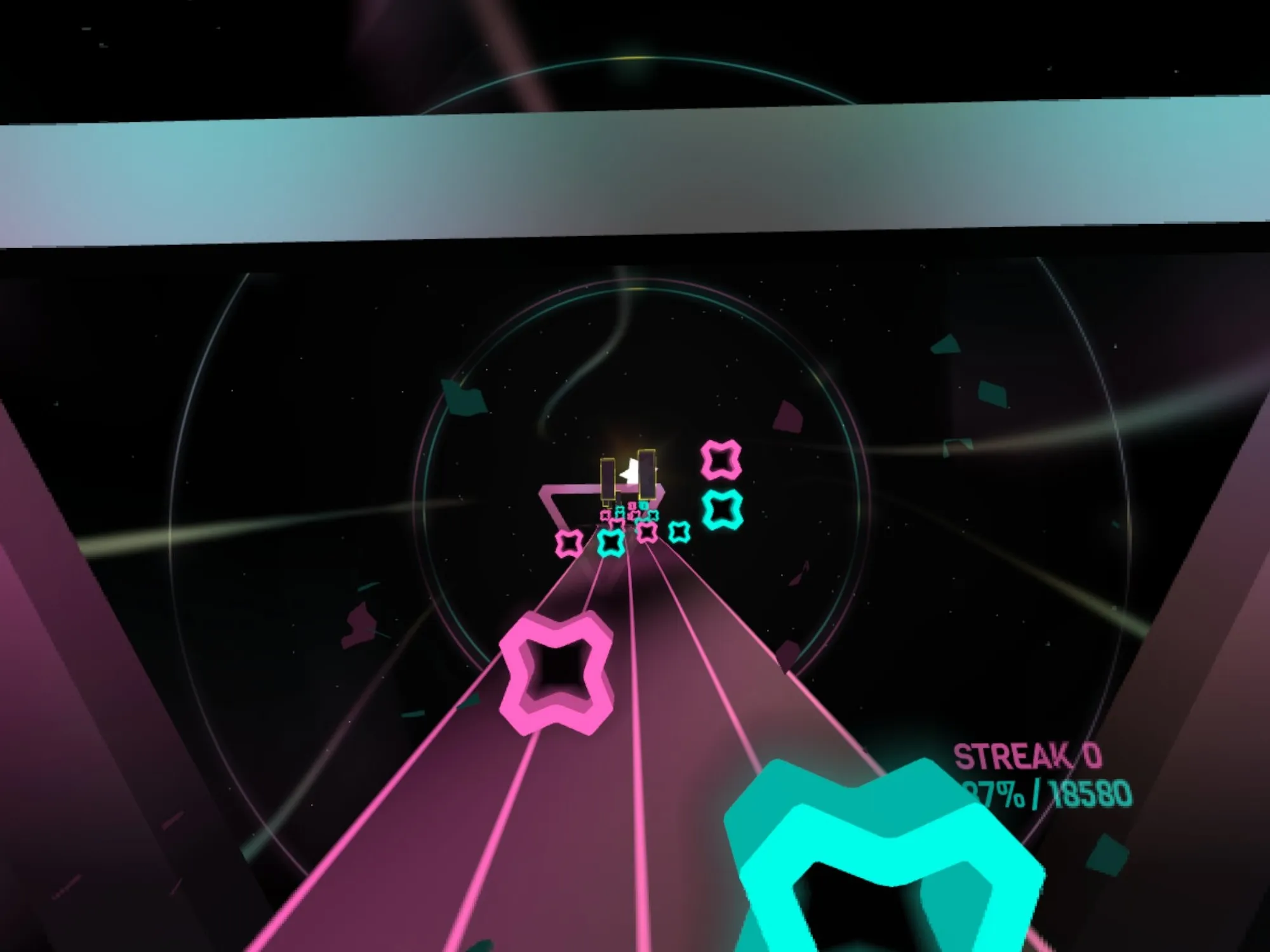
Moon Rider
Moon Rider is a free and open source VR music visualization website. Surf the musical road among the stars, moon, and lights.
Scene graphic
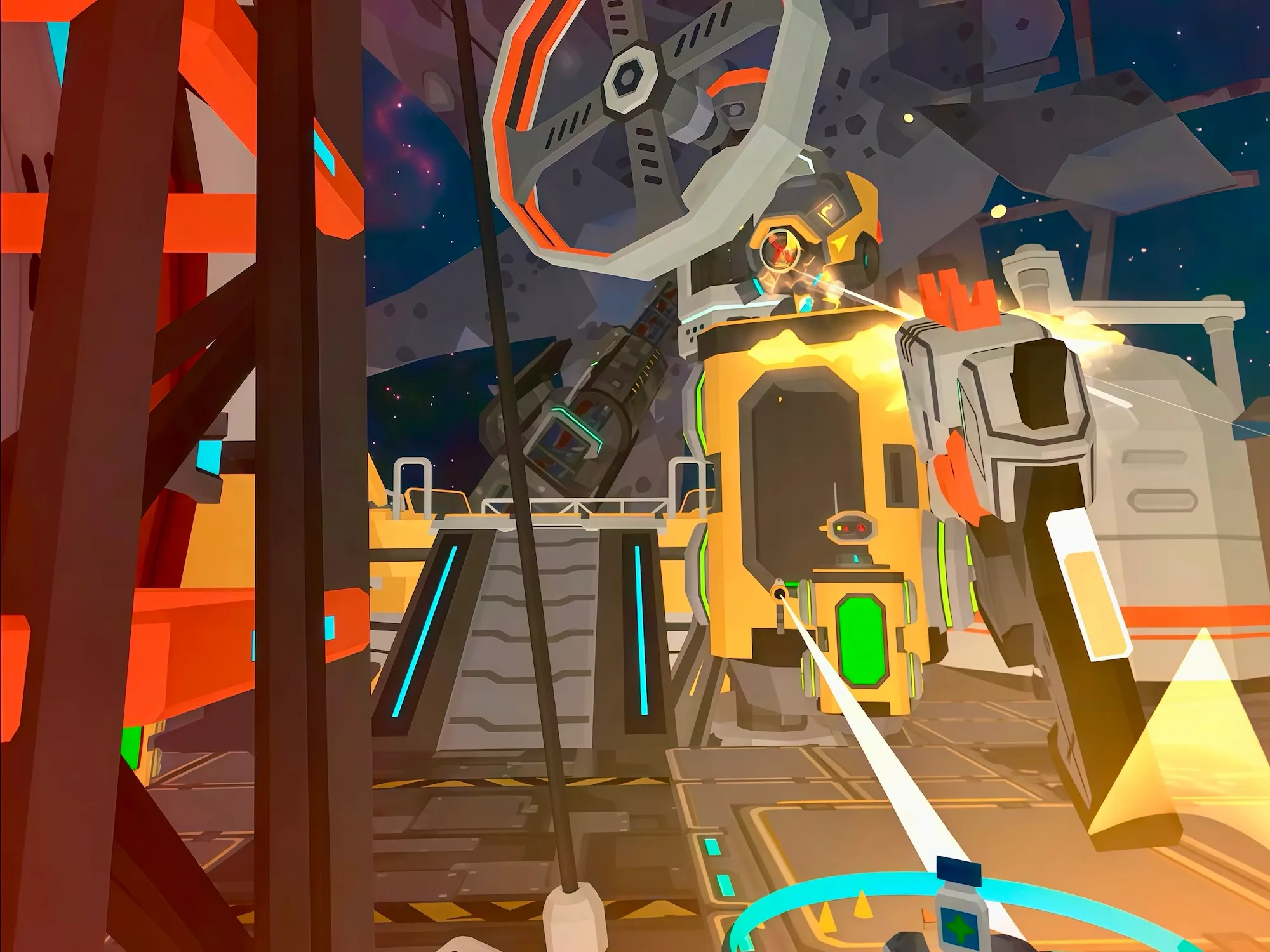
Elysian
Elysian is a WebXR multiplayer shooter game utilizing the Elixr 25 game engine and built on Three.js to offer a captivating and immersive gaming experience.
Scene graphic
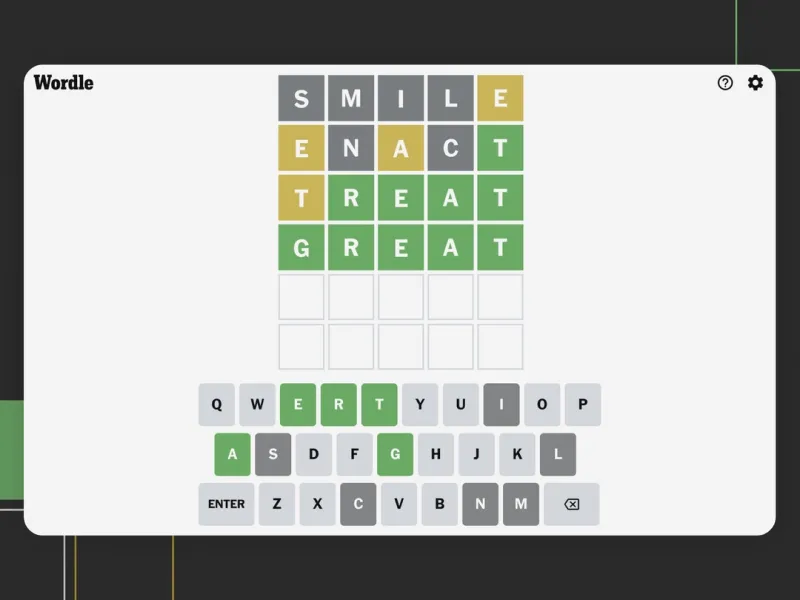
Wordle
Play the original Wordle from New York Times Games in an immersive virtual environment and share your results with friends on Meta Quest, Facebook. Instagram, and WhatsApp.
Scene graphic
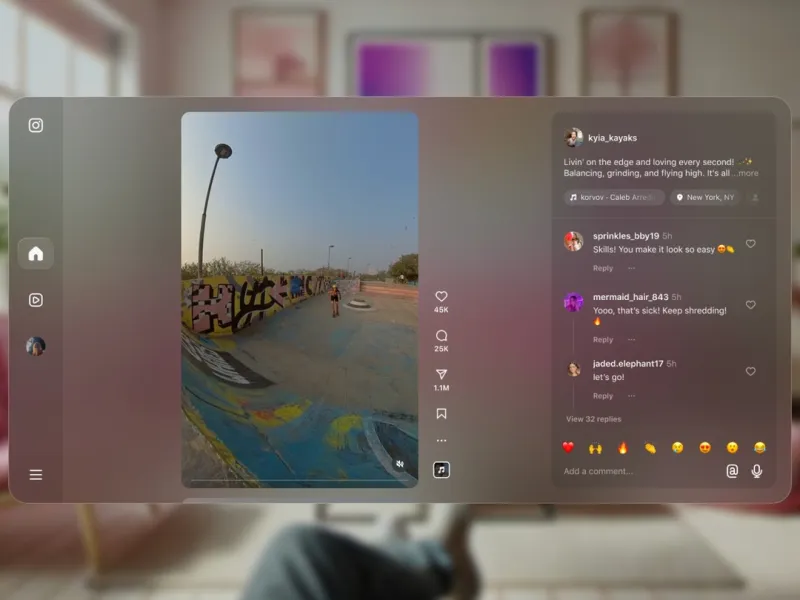
Instagram
Instagram on Meta Quest enables you to experience your interests and connect with friends in a new, immersive way. See what others are up to, explore videos, and discover new experiences in VR or mixed reality.
Scene graphic
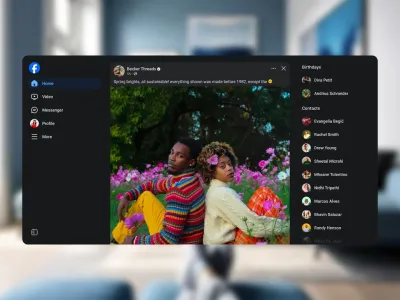
Facebook
Explore your favorite interests, groups, and content like never before with Facebook on Meta Quest. Our new immersive feed enables you to experience Facebook without taking off your headset.

Dive deeper with sessions from Meta Connect
Scene graphic

Getting started with 2D apps

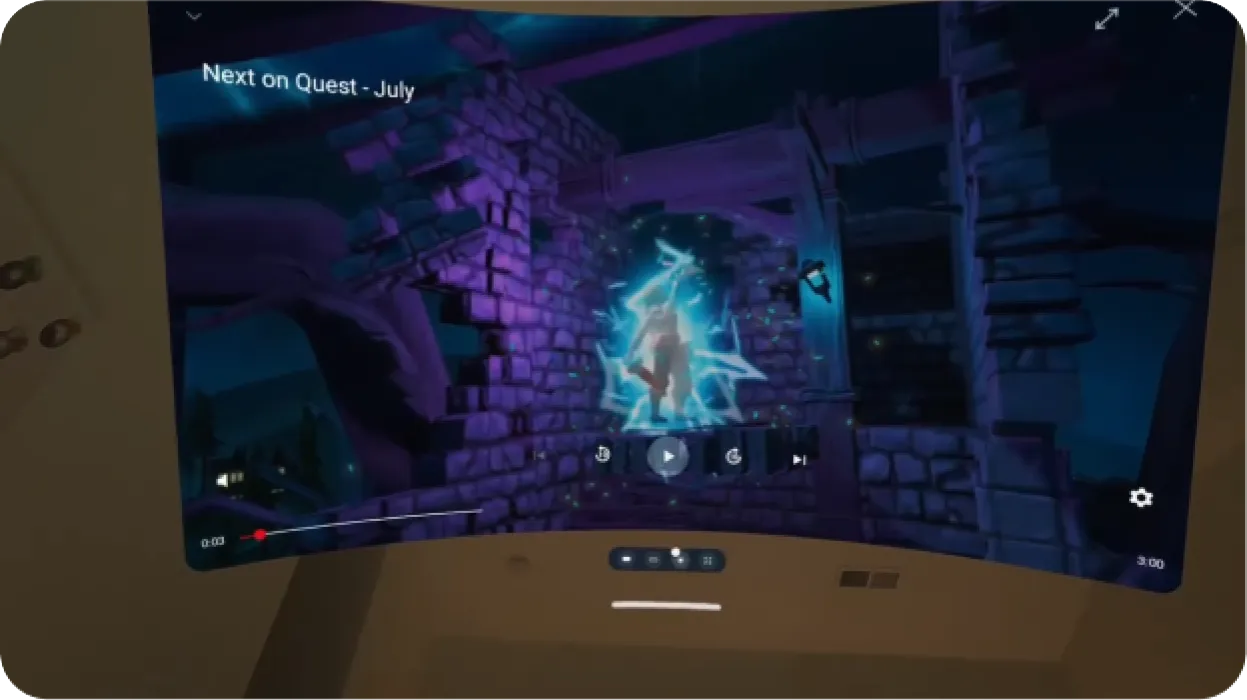
Discover how to spatialize 2D apps for Meta Quest with WebXR and Meta Spatial SDK, and learn about the frameworks, features and capabilities that Meta Quest supports for 2D apps, including progressive web apps and Android 2D. Plus, get a rundown of how to publish 2D apps to the Meta Horizon Store and a sneak peek at future updates.
Scene graphic

Unlocking more with 2D apps on Meta Horizon
Discover how and why to bring your 2D experiences to the Meta Horizon Store. Meta Horizon opens up new possibilities where all your favorite apps can exist in ways both innovative and familiar. Meta Horizon supports 2D experiences developed with progressive web apps, WebXR, Android native, or our new spatial app framework.
Scene graphic

Introducing Meta Spatial SDK

Explore how developers of all backgrounds can more easily build for Meta Horizon OS with our new spatial app framework. From extending existing mobile apps to creating new fully immersive apps, this new framework will help you start building for Meta Quest while using the mobile development languages, tools and libraries you already know.
Scene graphic

Deep dive into Meta Spatial SDK

Join us for an in-depth look at the end-to-end developer process for efficiently building with Meta Spatial SDK. We cover the core capabilities of the framework, dive into code samples and showcases, and demonstrate how to build and iterate quickly with Meta Spatial SDK and other tools.
Scene graphic

Real-world applications of Meta Spatial SDK
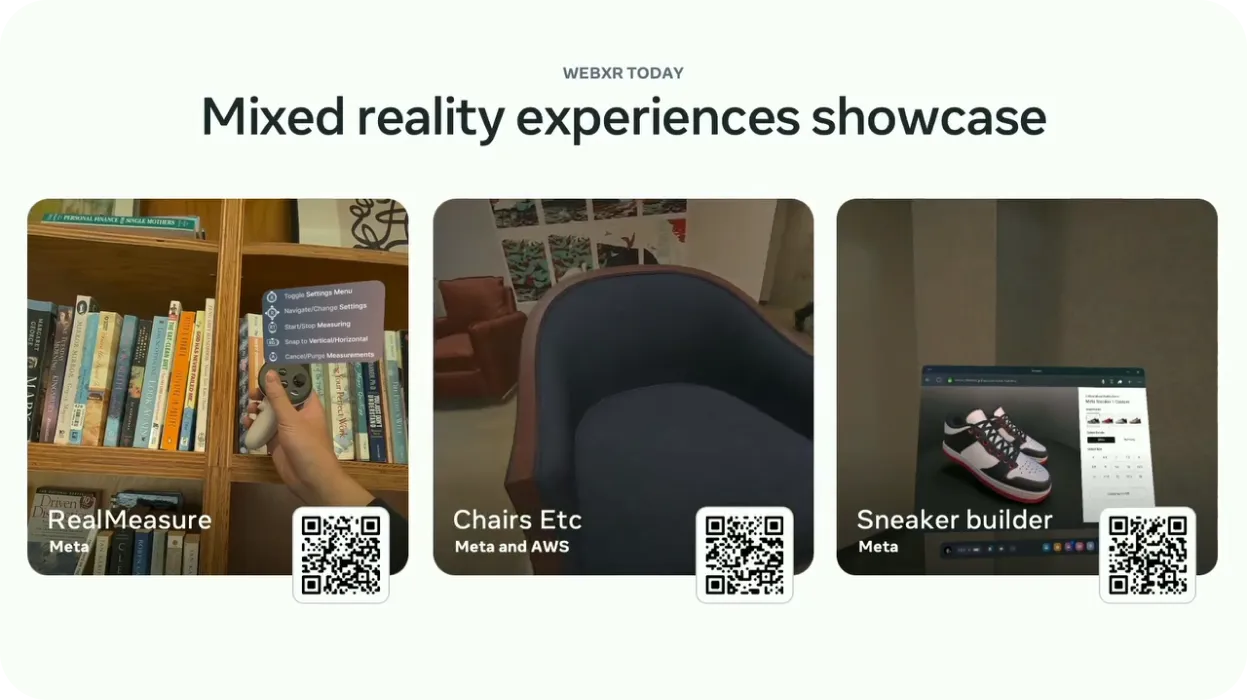
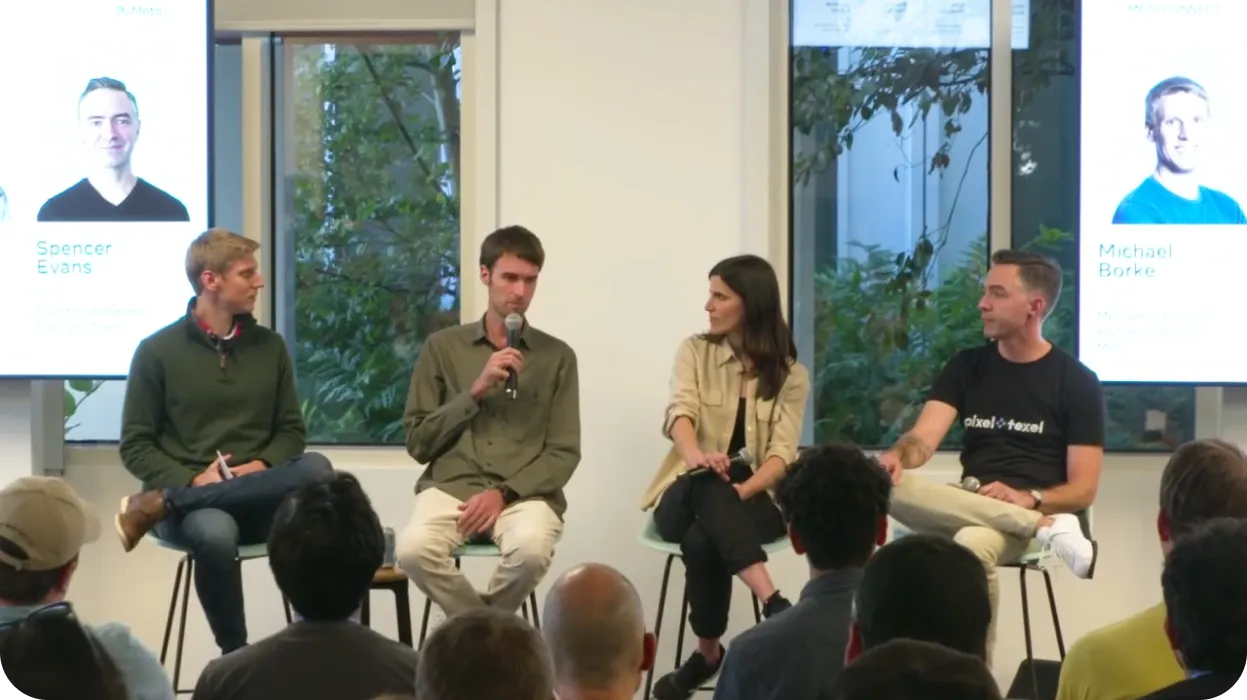
Hear from mobile and XR developers as they discuss how they implemented Meta Spatial SDK. This panel walks through real developer journeys so you can learn exactly what the implementation process looks like and get practical advice on the best ways to get started.
Scene graphic

Building immersive XR experiences with WebXR

Learn how to use familiar web technologies to build mixed reality experiences that can be enjoyed across multiple platforms—plus take a look at the latest updates to the Immersive Web Emulator, Reality Accelerator Toolkit, and WebXR development.

Accelerate your 2D journey with Meta Horizon Start

Meta Horizon Start is launching a pilot program for mobile developers bringing apps to Meta Horizon OS. Whether you are looking to port an existing app to Meta Quest as a 2D panel or create an immersive experience using Meta Spatial SDK, this program is designed to provide dedicated technical support, exclusive educational programming, and welcome you into the Meta Horizon Start developer community.
Start members will get access to benefits such as participation in funded build initiatives, i.e. the Meta Start Lifestyle RFP, which is accepting applications from VR, MR, and 2D devs through November 29.